Never lose your Claude Code sessions
Restore AI Windows reopens your Claude Code sessions after a crash, restart, or reboot — as iTerm2 windows grouped by project, back at their saved position and size, picking up right where they left off.
Free, open source, signed and notarized. Requires macOS and iTerm2.
How it works
It snapshots your sessions
A launchd agent records every iTerm window's sessions, position, size, and Space every two minutes.
You trigger a restore
Click the Dock app, say "restore my sessions" inside Claude Code, or let it happen automatically at login.
Your sessions come back
Each session reopens with claude --resume, skips the trust and resume prompts automatically, and gets a prompt to summarize and continue where it left off.
What you get
Pick what to restore
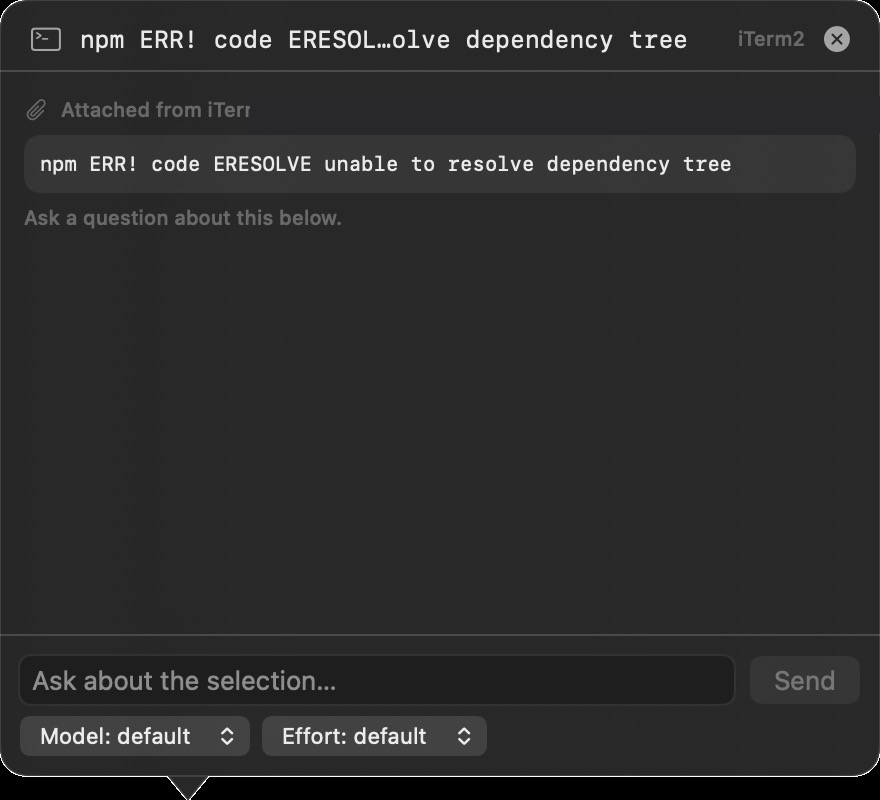
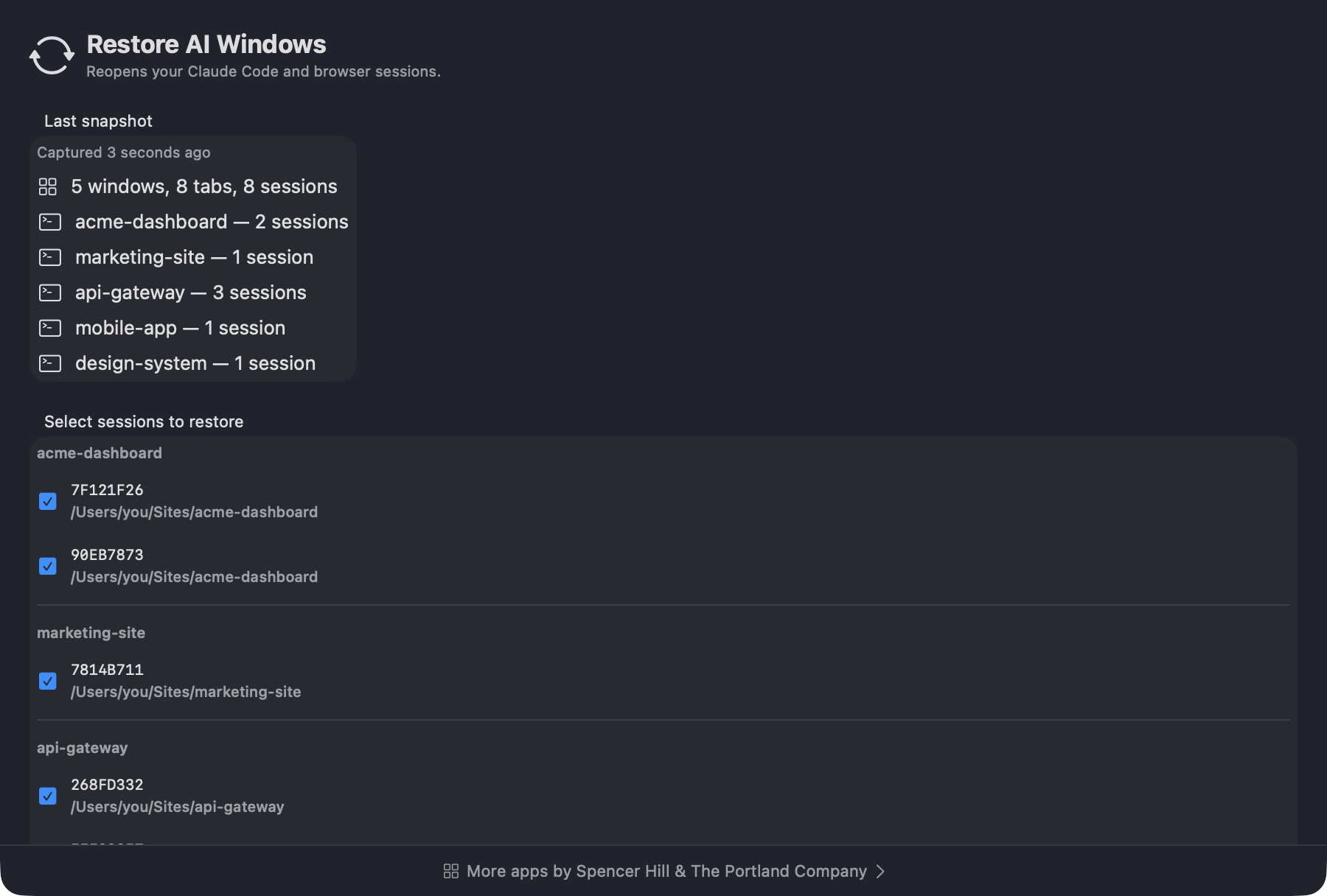
See your last snapshot grouped by project and choose which sessions come back, or restore them all in one click.
Auto-restore at login
A launchd agent restores your sessions automatically every time you log in.
Continuous snapshots
A background agent records your active sessions and window geometry every two minutes, so there's always a recent state to restore.
Grouped by project
Sessions reopen as one window per project with a tab for each session, labeled with a friendly project name.
Back on the right desktop
Every iTerm window reopens on its original virtual desktop (Space), at its exact saved position and size, then you are returned to where you started.
Browser windows too
Restores your browser windows alongside your terminal sessions, with tabs grouped into their original windows on their saved Space.
Questions, answered
What does Restore AI Windows actually restore?
Your Claude Code sessions in iTerm2 — grouped by project, one tab per session — and, alongside them, your browser windows with tabs grouped into their original windows.
Does it work with any terminal?
No. The automation targets iTerm2's Python API specifically.
Do I have to click anything to restore?
No. A launchd agent restores your last snapshot automatically at every login. You can also trigger it manually from the Dock app or by asking Claude Code to restore your sessions.
What permissions does it need?
Accessibility, so it can switch desktops and put each window back on its original Space, and Automation to drive iTerm2 and your browser. Screen Recording is optional and only used to read window titles.
Does it work with any browser?
It targets BrowserOS and other Chromium-family browsers with AppleScript window and tab scripting.
Is it free?
Yes. It's free and open source under the MIT license.
Pick up exactly where you left off
Install Restore AI Windows once and every crash, restart, or reboot becomes a non-event — your Claude Code sessions and browser windows come back the way you left them.